AirDroid / RESEARCH NOTE
AirDroid Personal
Android device-management candidate for moving files and working with your own phone from another device.
Choose a phone-to-computer workflow without granting permissions you do not need.
Build my shortlist ↘Research checked 2026-11-01. Not a hands-on review.
MAKE IT YOURS
Three checks
before you commit.
Tick only what you have verified. Your answers stay in this page.
WHAT TO KEEP IN MIND
The small print
is part of the choice.
Limits & trade-offs
Affiliate listing covers AirDroid; the exact eligible Personal SKU and Android purchase attribution need confirmation.
Why it is in the library
Workflow candidate; recent demand not measured
Cumulative installs establish adoption, not recent sales growth. No paid-conversion or search-trend data has been verified for this publisher.
THE SHORT VERSION
A quick buying note.
Need files on your PC, or full phone control?
Captioned research guide. No hands-on footage or performance claim.
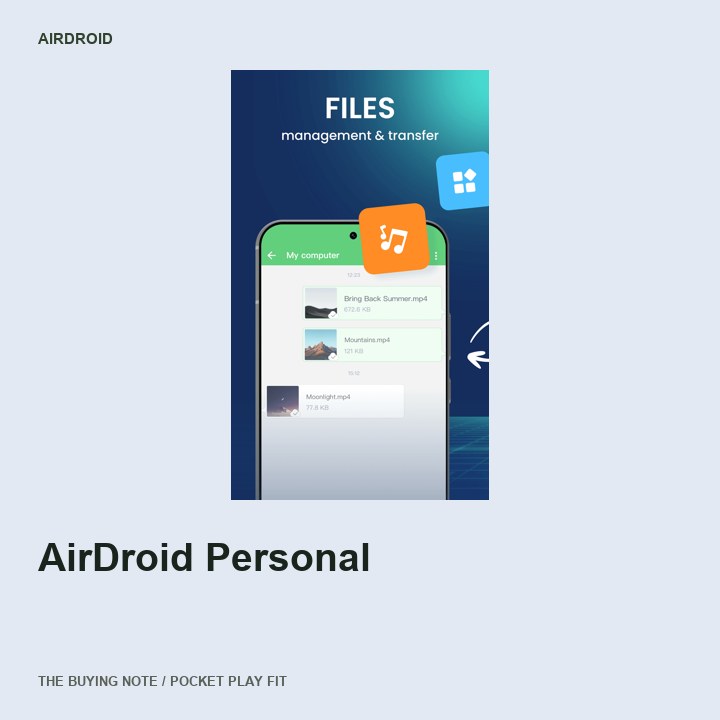
Product image: official source ↗. Publisher imagery used with original research commentary; no hands-on footage or affiliate-media license claimed.
Read the video transcript
AirDroid Personal Need files on your PC, or full phone control?
Check 01 List whether you need file transfer, mirroring or remote control.
Check 02 Check which features require a paid plan and a desktop companion.
Check 03 Review permissions and use only devices you own or are authorized to manage.
Before you choose Read the checklist at play.timtone.one. Research-based; no hands-on claim. Buying notes: website in channel profile.
OPEN THE ORIGINAL SOURCES
Check the details yourself.
- Awin AirDroid advertiser profile ↗
Public advertiser profile has application links and 45-day attribution; payout/rates not exposed.
Checked 2026-11-01 - AirDroid: File & Remote Access - Apps on Google Play ↗
Publisher Android listing and exact public screenshot URLs; screenshot appearance is supplied by the publisher, not an independent product test.
Checked 2026-11-01